Your Mac's Best Companion
for Headless Deployment

Download Free 2.8 MB

3-day full-featured trial | $18

Install with Homebrew
brew install --cask Daniel-Robbins/macmate/macmate
Native macOS App
Apple Silicon Optimized
One-time Purchase

Four Powerful Features, One App

Everything you need for headless Mac deployment in a single, native macOS application.

⚡ IOPMLib

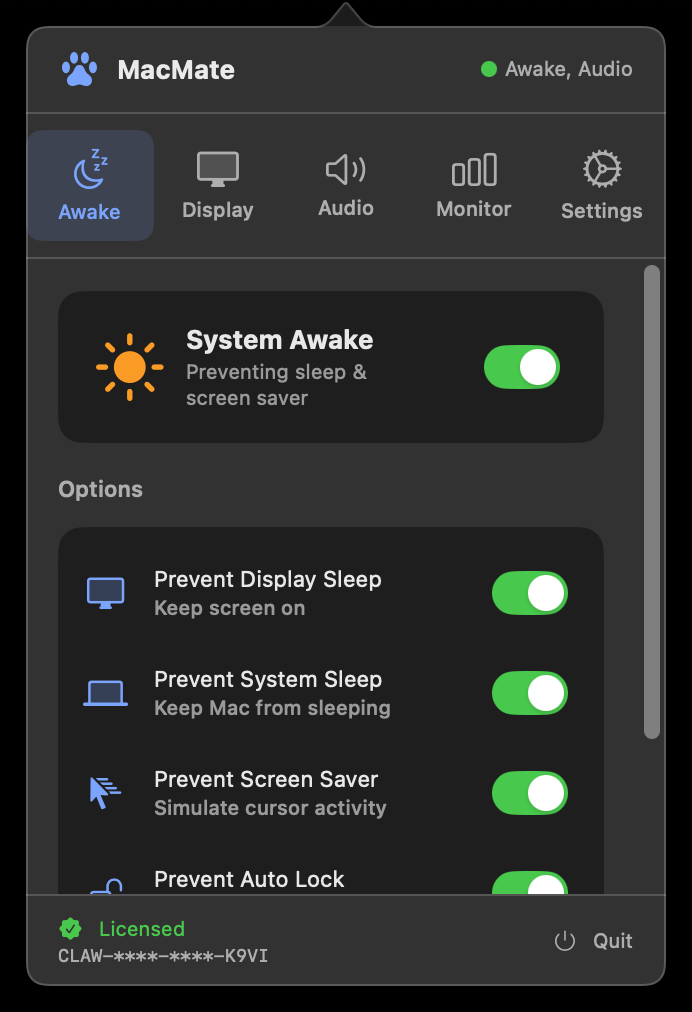
Awake Manager

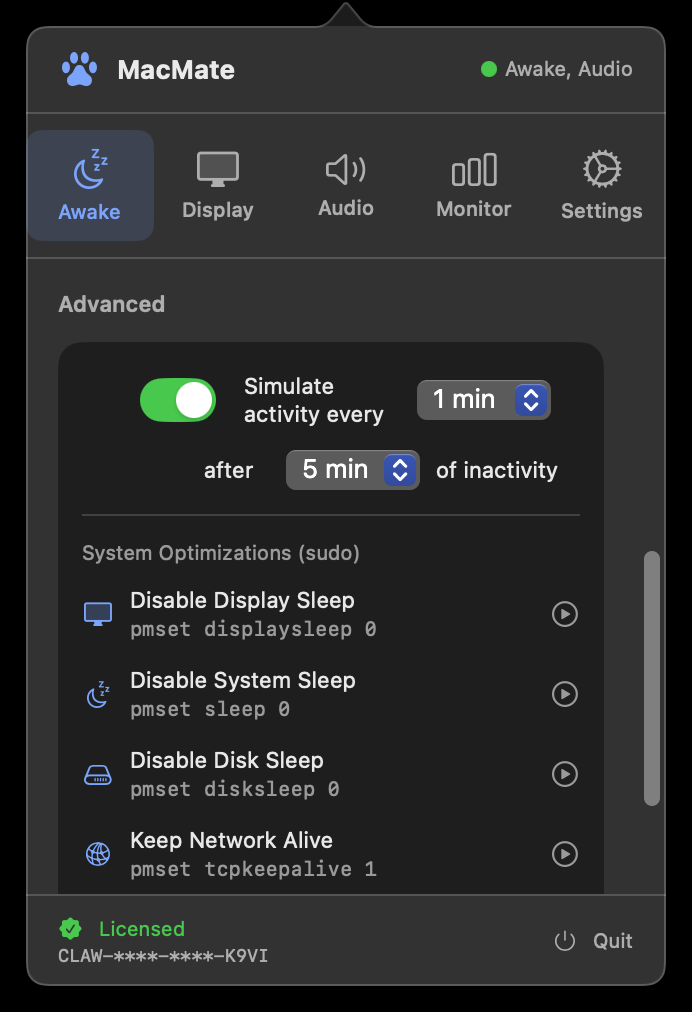
Keep your Mac always on with IOPM assertions. Smart mouse jiggle prevents screensaver only when truly inactive.

  • Prevent display & system sleep
  • Smart cursor movement
  • Auto-lock prevention
  • One-click system optimization
🖥 CGVirtualDisplay

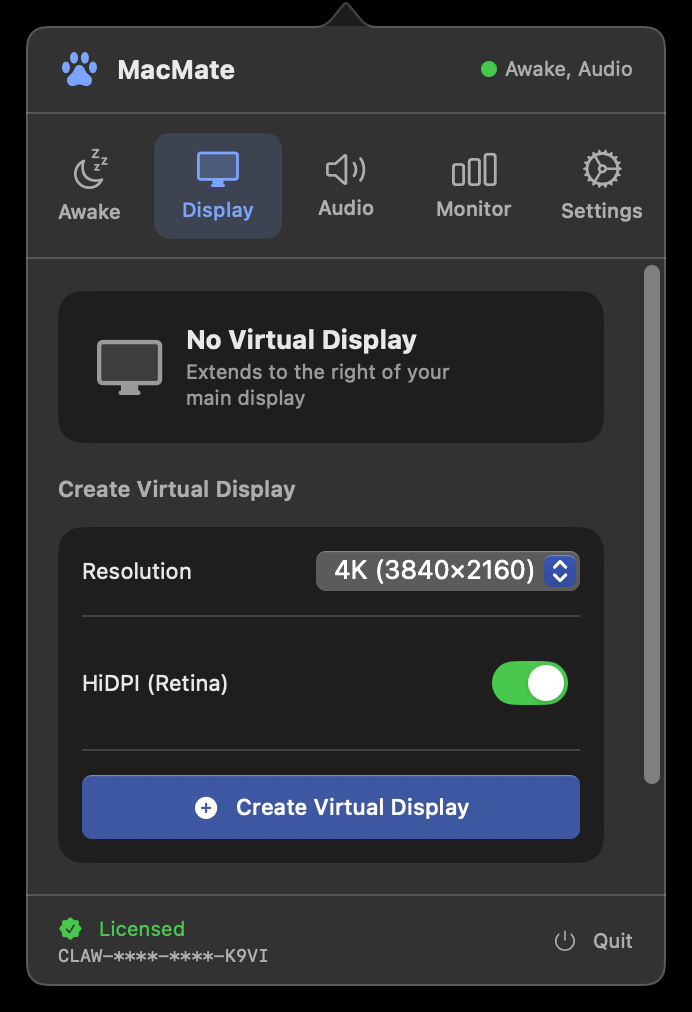
Virtual Display

Enable UI automation on headless Macs without a physical display. Full GPU acceleration and any resolution via CGVirtualDisplay API.

  • 720p to 4K resolution
  • HiDPI / Retina support
  • Multiple simultaneous displays
  • Persist across reboots
Virtual Display - Create Displays
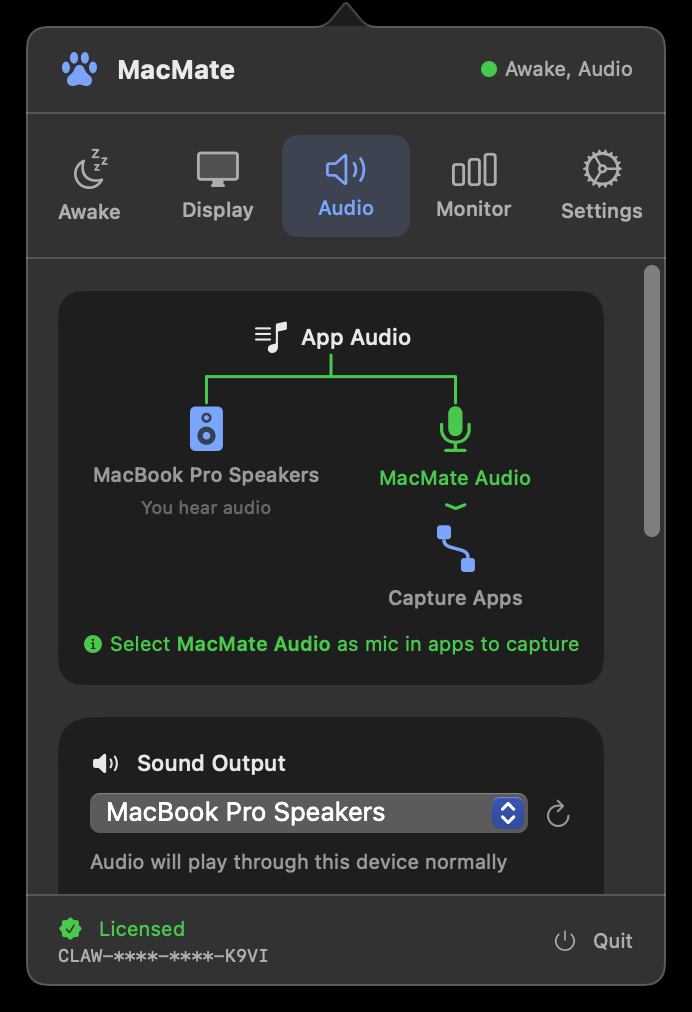
🎵 CoreAudio HAL

Audio Router

Route system audio to a virtual microphone. Let your AI agent hear everything happening on your Mac.

  • Zero-latency loopback
  • Virtual microphone output
  • Multi-output device
  • Works with any app
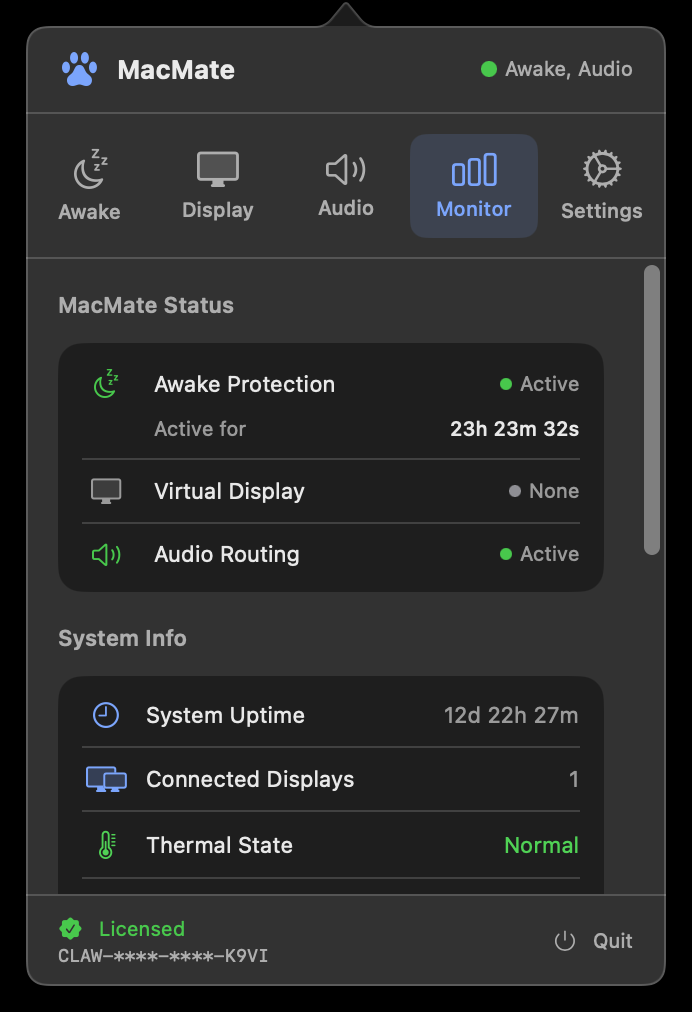
🎨 SwiftUI Native

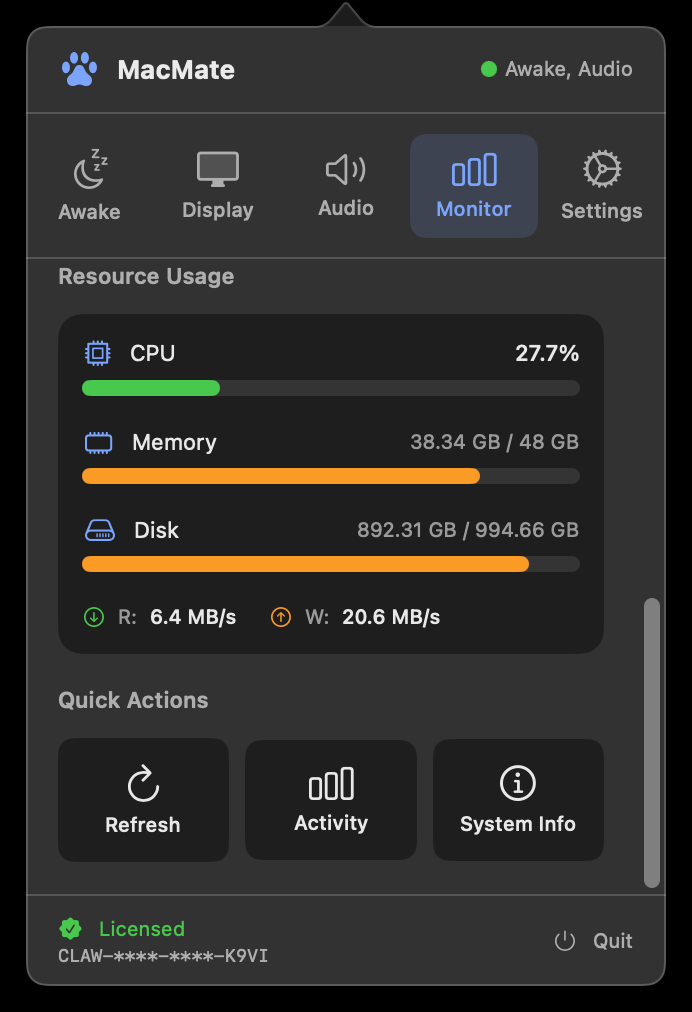
System Monitor

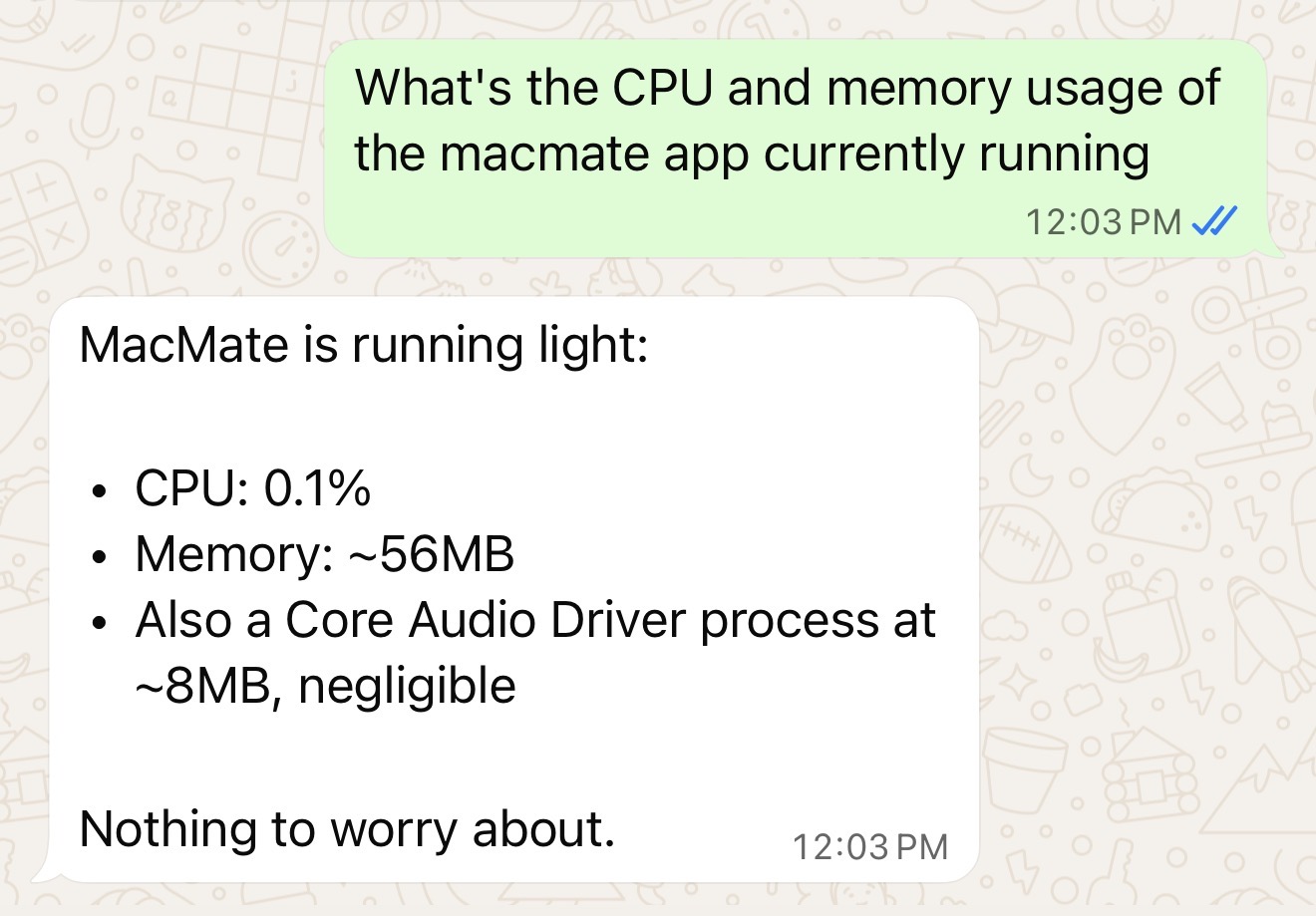
Real-time monitoring of system resources. Keep an eye on your headless Mac from anywhere.

  • CPU & Memory usage
  • Battery & thermal state
  • Display count
  • System uptime tracking

Built for Real-World Use Cases

MacMate powers thousands of headless Mac deployments worldwide.

Most Popular
🤖

AI Agent Deployment

Run OpenClaw, Claude Computer Use, or any AI agent that needs screen access, audio capture, and 24/7 uptime.

🌐

Remote Mac Management

Access your Mac Mini via VNC, AnyDesk, or SSH with full resolution displays and no sleep interruptions.

🔄

CI/CD & Automation

Run Xcode builds, UI tests, and automation scripts without physical displays or manual intervention.

🎬

Recording & Streaming

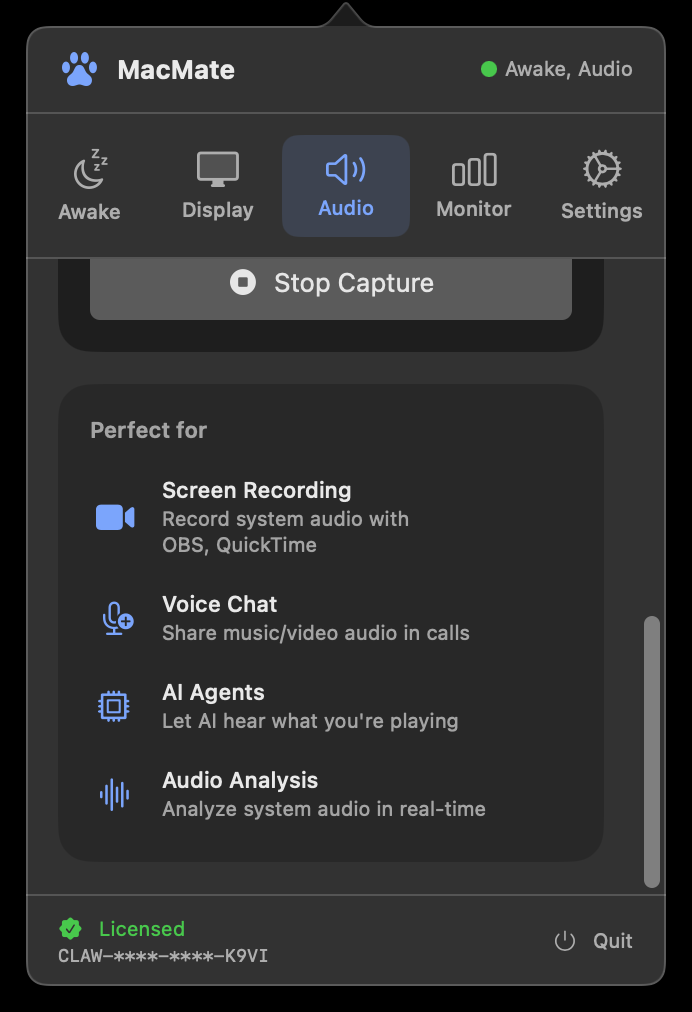
Capture system audio for OBS, screen recording, or live streaming. Route audio to any application.

Get Started in Minutes

Three simple steps to supercharge your headless Mac deployment.

01

Install MacMate

Download the DMG, drag to Applications, and launch. MacMate runs quietly in your menu bar.

02

Configure Features

Enable awake protection, create virtual displays at any resolution, or set up audio routing with a single click.

03

Deploy Your Agent

Run OpenClaw or any AI agent with full system support. Your Mac stays awake, displays work, audio flows.

Also available via Homebrew or curl
brew install --cask Daniel-Robbins/macmate/macmate
curl -L https://release.macmate.app/releases/MacMate-latest.dmg -o /tmp/MacMate.dmg && hdiutil attach /tmp/MacMate.dmg -quiet && cp -R "/Volumes/MacMate/MacMate.app" /Applications/ && hdiutil detach "/Volumes/MacMate" -quiet && open /Applications/MacMate.app

Simple, One-Time Pricing

No subscriptions. No hidden fees. Pay once, own forever.

$18
One-time purchase

Perpetual license for 2 Macs

  • All four features included
  • Lifetime updates
  • 2 device activations
  • Priority email support
Purchase License

30-day money-back guarantee

Native macOS App
Apple Silicon Optimized
One-time Purchase
Frequently Asked Questions

Ready to Deploy Your AI Agent?

Join thousands of developers using MacMate for headless Mac deployment. Get started in minutes.

Download MacMate Free